
Understanding Open Claw and Its Core Capabilities
Open Claw is a revolutionary personal AI assistant designed to enhance productivity and streamline daily operations through advanced automation. This versatile tool has garnered attention for its ability to seamlessly integrate with over 100 popular communication and productivity platforms, making it an essential asset for anyone looking to optimize their workflow. When exploring options, open claw stands out as a robust solution that prioritizes data privacy and user autonomy.
What is Open Claw?
Open Claw is an open-source AI assistant that can execute a wide range of tasks, from managing emails and scheduling appointments to interacting with various applications via messaging platforms like WhatsApp, Telegram, Discord, and Slack. Unlike traditional AI assistants, Open Claw is designed to operate on your own hardware or in the cloud, giving users complete control over their data. This flexibility allows for tailor-made setups that cater to individual and organizational needs, ensuring optimal efficiency regardless of the working environment.
Key Features of Open Claw
- Multi-Platform Support: Operates on macOS, Windows, and Linux, enabling users to deploy the AI assistant on preferred systems.
- Self-Hosting and Cloud Options: Users can choose to self-host on their own hardware or use cloud solutions, offering flexibility based on expertise and resources.
- Extensive Integration: Connects with over 100 applications and services, allowing for streamlined communication and automation.
- Personalization: Continually learns from user interactions, enhancing its ability to cater to individual preferences and workflows.
- Modular Skills Framework: Users can develop custom modules or utilize community-created skills to extend functionality.
Benefits of Using Open Claw for Personal Productivity
There are numerous advantages to integrating Open Claw into daily routines. Firstly, it enhances personal productivity by automating mundane tasks—such as email sorting and calendar management—allowing users to focus on high-priority activities. Secondly, the AI’s adaptability to user routines results in a highly personalized experience that continually evolves. Lastly, by self-hosting the solution, users ensure their data remains private and secure, free from external surveillance or interference, which is increasingly important in today’s digital landscape.
Installation Options: Self-Host vs. Cloud
How to Self-Host Open Claw
Self-hosting Open Claw involves setting up the AI assistant on personal hardware, which can be an economical and secure choice for tech-savvy users. Installation can be performed on various systems including Mac mini, Windows PCs, and Linux servers. Users need to follow several configuration steps to ensure proper functionality. This DIY approach not only enhances data control but also allows for customization of the system to match specific operational needs.
Exploring Cloud Hosting Solutions
For those who prefer a hassle-free option, cloud hosting is an excellent alternative. With a few clicks, users can have their personal AI assistant up and running without dealing with server management or maintenance. Open Claw’s cloud solutions are designed for efficiency and scalability, making it suitable for both individuals and businesses. This approach is particularly beneficial for users lacking technical skills or those who prefer a plug-and-play setup.
Choosing the Best Setup for Your Needs
When deciding between self-hosting and cloud options, it’s essential to evaluate your technical skills, data security concerns, and specific use cases. Self-hosting offers granular control and customization, ideal for developers and organizations with unique requirements, while cloud hosting provides scalability and ease of use for those with limited technical expertise. Ultimately, the choice should align with your operational priorities and capabilities.
Integrating Open Claw with Popular Applications
Connecting Open Claw with Messaging Services
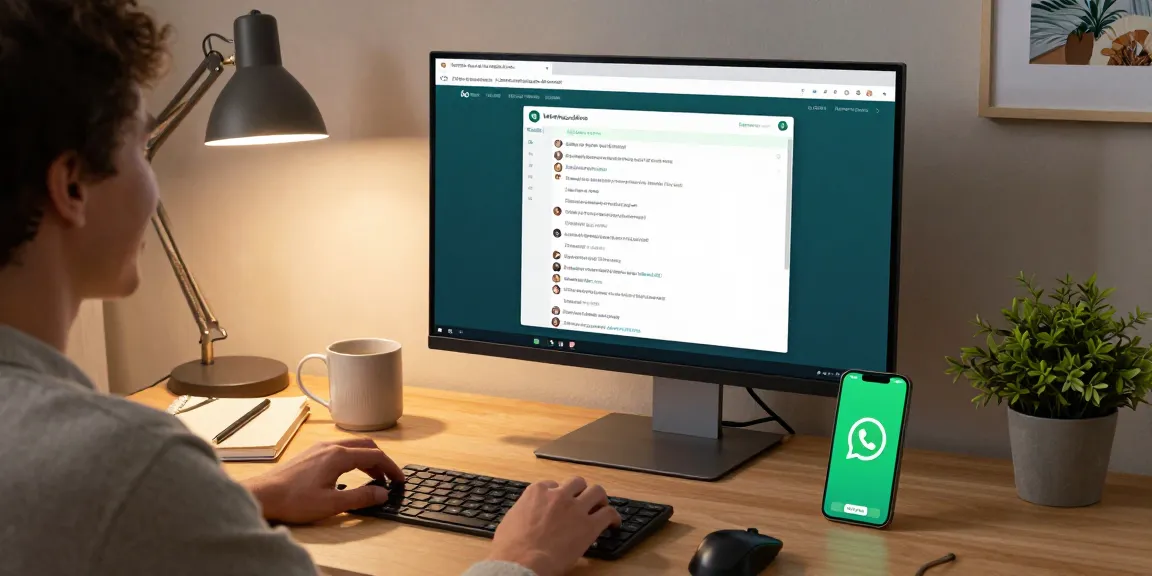
Open Claw seamlessly integrates with a variety of messaging platforms, enabling users to communicate and execute commands through their preferred channels. Whether through WhatsApp, Telegram, or Discord, the AI assistant can automatically handle messages, manage tasks, and streamline workflows. With these integrations, users can interact with Open Claw just as they would with any other messaging contact, enhancing usability and engagement.
Utilizing Open Claw for Calendar Management
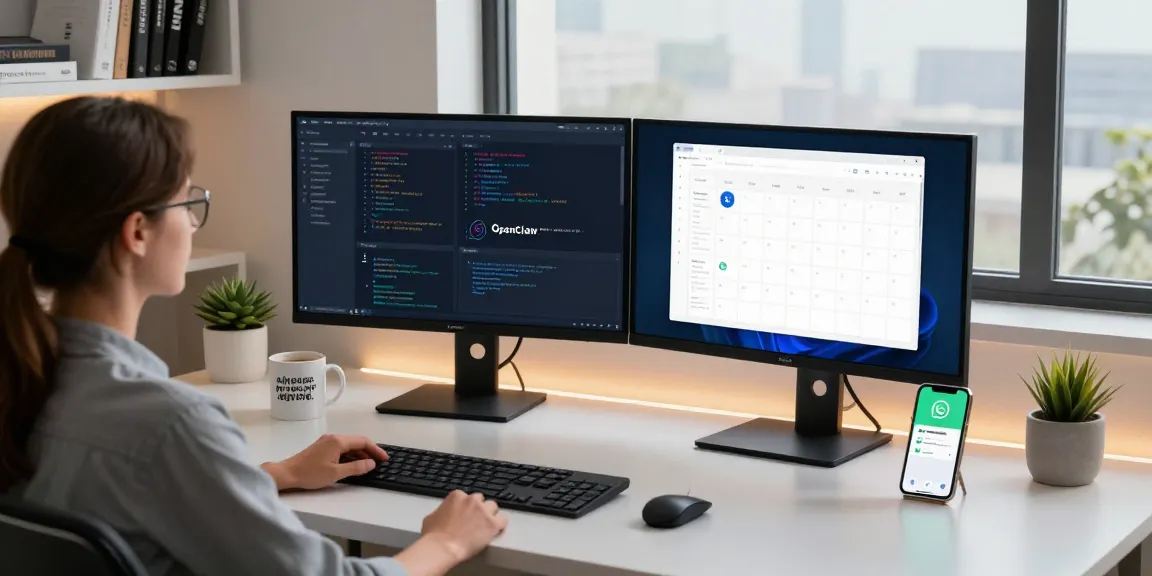
One of the standout features of Open Claw is its ability to manage calendars effectively. The assistant can schedule appointments, send reminders, and even propose meeting times based on the user’s preferences and availability. This functionality not only saves time but also minimizes the back-and-forth often associated with setting up meetings.
Boosting Productivity with Integration Hacks
To maximize the potential of Open Claw, users should explore creative integration hacks. For instance, automating responses for frequently asked questions or leveraging the AI’s ability to extract and summarize information from lengthy emails can significantly reduce the time spent on routine tasks. Such strategies enhance productivity and allow users to focus on strategic initiatives rather than operational minutiae.
User Experiences: Real-World Applications of Open Claw
Case Studies: Users from Different Fields
Open Claw has garnered praise from professionals across various fields, each leveraging its capabilities to overcome distinct challenges. For instance, a product manager noted how the assistant transformed daily operations by efficiently managing email correspondence and streamlining meeting coordination. Similarly, a software engineer highlighted the ease of extending functionality through custom modules, enhancing their development workflow.
Testimonials on Productivity Improvements
Numerous testimonials underscore the efficiency gains attributed to Open Claw. Users have reported significant reductions in time spent on administrative tasks, allowing them to dedicate more attention to critical projects. The AI’s ability to learn and adapt to individual work habits has proven invaluable, resulting in increased overall productivity.
Common Challenges and How to Overcome Them
While Open Claw offers numerous benefits, users may encounter challenges during setup or day-to-day operations. Common issues include integration difficulties with certain applications or the need for ongoing adjustments to optimize performance. Engaging with the Open Claw community, accessing support resources, and participating in forums can provide solutions and enhance the overall user experience.
Future of Personal AI Assistants with Open Claw
Innovations on the Horizon for Open Claw
The future of Open Claw looks promising as ongoing developments aim to enhance its capabilities further. Upcoming features may include improved natural language processing, advanced predictive analytics, and expanded integrations with emerging platforms. These innovations will solidify Open Claw’s position as a leading personal AI assistant in a rapidly evolving technological landscape.
Emerging Trends in AI Assistance for 2026
As we look ahead to 2026, several trends are shaping the landscape of AI assistance. The increasing demand for personalized experiences, coupled with enhanced security measures, is likely to drive the development of more sophisticated AI assistants like Open Claw. Furthermore, the integration of AI across various sectors—from healthcare to finance—will broaden its applications and accessibility.
Staying Ahead: Tips for Effective Usage
To maximize the benefits of Open Claw, users should stay informed about updates and new features. Engaging regularly with community forums, subscribing to newsletters, and participating in training sessions can enhance user proficiency. Moreover, leveraging analytics and feedback mechanisms will help users refine their interactions with the assistant, ensuring they get the most out of the technology.
What are the pricing plans for Open Claw?
Open Claw offers flexible pricing plans to accommodate different user needs. Whether you are a casual user or a team managing multiple projects, you can find a plan that suits your budget without compromising functionality. The pricing model is designed to be transparent, with clear delineations between self-hosted and cloud options.
Is Open Claw safe for personal use?
Yes, Open Claw is designed with user privacy in mind. By self-hosting, you retain full control over your data and interactions. For users opting for cloud solutions, robust security measures are implemented to ensure data integrity and confidentiality. However, as with any technology, maintaining general cybersecurity practices is recommended to safeguard against potential vulnerabilities.
What technical requirements are needed for self-hosting?
Users interested in self-hosting Open Claw should have a basic understanding of server management and installation processes. Technical requirements typically include a compatible operating system (macOS, Windows, or Linux), adequate hardware specifications to support continuous operation, and internet connectivity if interaction with cloud services is needed.
Can Open Claw integrate with my existing tools?
Absolutely! One of the core strengths of Open Claw is its ability to integrate seamlessly with existing tools and applications. Whether integrating with popular messaging platforms, calendar applications, or project management tools, Open Claw enhances interoperability, allowing users to create a cohesive workflow tailored to their specific needs.
How do I get support for Open Claw issues?
Support for Open Claw is easily accessible through several channels, including community forums, official documentation, and dedicated customer service teams. Users are encouraged to engage with these resources to resolve issues quickly and effectively, ensuring they make the most of their AI assistant.